
Code: Responsive Web Design
UXmatters has published 5 articles on the topic Responsive Web Design.
Top 3 Trending Articles on Responsive Web Design
-
Excerpt: Responsible Responsive Design
April 23, 2019No CommentsThis is an excerpt from Scott Jehl’s book Responsible Responsive Design. 2014, A Book Apart.
Chapter 1: Responsible Design
“My love for responsive centers around the idea that my Web site will meet you wherever you are—from mobile to full-blown desktop and anywhere in between.”—Trent Walton, “Fit to Scale”
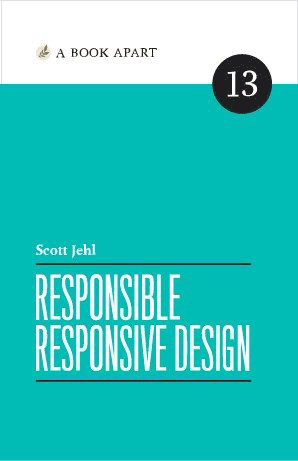 Responsive design’s core tenets—fluid grids, fluid images, and media queries—go a long way toward providing a holistic package for cross-device interface design. But responsive design itself relies on features that may not work as expected—or at all. Our sites need to react to unexpected user behaviors, network conditions, and unique support scenarios.
In this chapter, we’ll dig into two responsible tenets: usability and accessibility. We’ll cover higher-level considerations before getting into nitty-gritty code you can implement now and expect to last. To start, let’s talk design. Read More
-
Choosing Whether to Create a Responsive Web or Native App
September 23, 2019In this month’s edition of Ask UXmatters, our panel of UX experts discusses whether to recommend creating a responsive Web site or application over a native mobile app. While each type of application offers unique benefits, the panel advises UX designers not look at this as an either/or question. Instead, consider the benefits of creating both of these types of applications on a continuum. Clearly, a Web site is necessary at least to enable customers to discover a product.
A UX designer should consider how best to satisfy user needs, relying on a deeper consideration of the usage scenarios for specific types of users. Depending on the contexts of use, users often require that a tool be available on more than one platform. Plus, you must consider business needs throughout the design process. Read More
-
Jump Start Responsive Web Design
August 7, 2017This is a sample chapter from the Second Edition of Chris Ward’s book Jump Start Responsive Web Design. 2017 SitePoint.
Chapter 4: Responsive Text
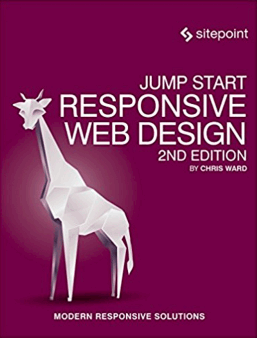 If Web pages are to be truly responsive, then the content of pages should also flow and change to suit the dimensions of the device a user is viewing it on. While Web pages are becoming more image and media heavy, text is still a crucial component, and there are numerous techniques to help make it as readable as possible, no matter the current device.
To understand better the ways you can represent text on a Web page, it’s best to take a trip into the long history of text. Read More
All Articles on Responsive Web Design
New on UXmatters
- Linking Customer Experience to Business Results for Sustainable Growth
- Using AI to Design Better Mobile-App User Experiences
- Leveraging the Psychology of Color in UX Design for Health and Wellness Apps
- Elevating the User Experience and Fostering Loyalty: Accessible Design for Travel-Booking User Interfaces
- Using Data Analytics to Optimize the In-Store and Online Retail Experience